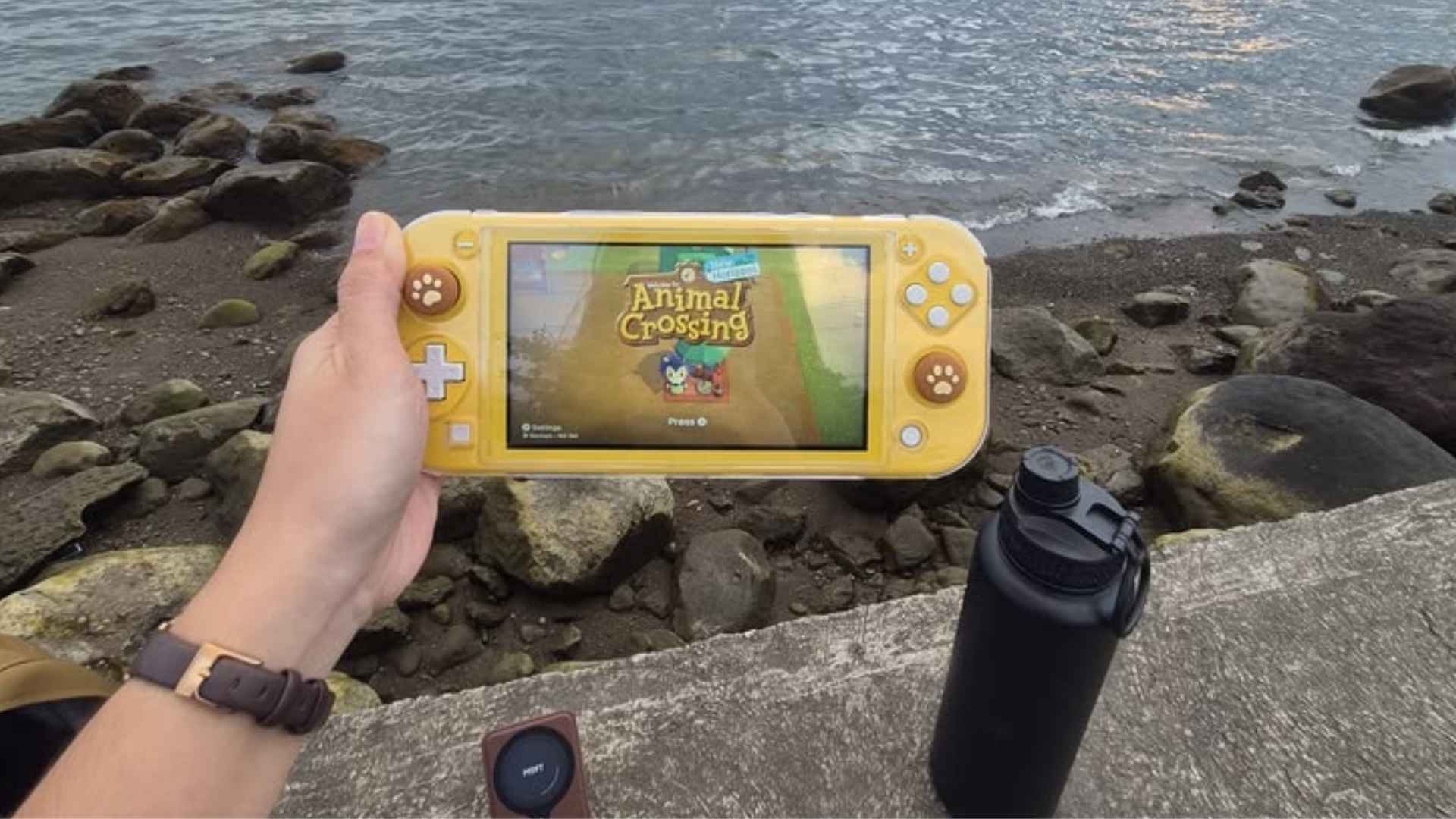
The Nintendo Switch Lite has established itself as an exceptional option for gamers seeking an affordable, dedicated handheld experience. However, before building a digital library of expansive modern adventures, players must consider the physical constraints of the hardware configuration. Understanding the specific capacity built into the device ensures you can plan your software collection without running into unexpected errors down the line.
Understanding the Factory Built In Internal Storage
Every standard model of the handheld console leaves the factory equipped with exactly 32 gigabytes of internal storage space. While this hardware specification sounds reasonable for lightweight independent games, a significant portion of this allocation is permanently reserved for system firmware. As a result, users generally have less than 30 gigabytes of actual space left to install digital software copies.
Graphically intensive titles often demand substantial amounts of memory, meaning the factory limit can fill up after downloading just a few major titles. For example, massive open-world adventures routinely exceed 10 or 15 gigabytes for a single installation. Players who prefer physical cartridges will find the baseline environment sufficient, but digital enthusiasts will quickly require additional configurations.
Leveraging the MicroSD Card Expansion Slot
Fortunately, the manufacturer integrated a convenient hardware expansion interface located safely beneath the lower protective flap of the unit. This designated slot supports microSD, microSDHC, and microSDXC memory cards to help users scale their systems seamlessly. Investing in an external card removes all constraints and accommodates dozens of large digital files simultaneously.
Modern external storage technology allows players to expand their libraries by up to an additional 2 terabytes of total capacity. For the vast majority of mainstream gamers, purchasing a card between 128 gigabytes and 512 gigabytes balances price and long-term utility perfectly. High-speed options certified with UHS-I performance ratings ensure that software loading sequences remain rapid and seamless.
Managing Digital Game Files Efficiently
If you prefer not to purchase an external card right away, utilizing the system data management menu remains an effective alternative. The onboard operating system allows users to archive software data easily, deleting the bulky game files while preserving historical progress files safely. This process frees up immediate internal memory slots whenever you need to start a brand new adventure.
Choosing physical cartridges instead of digital storefront downloads also mitigates storage constraints because core game data runs directly from the card. However, mandatory software updates, additional downloadable content, and save profiles still consume a small portion of the onboard memory. Balancing structural data allocations carefully guarantees that your handheld hardware continues to run smoothly during extensive gaming sessions.